Thermal Master P3 review: thermal camera
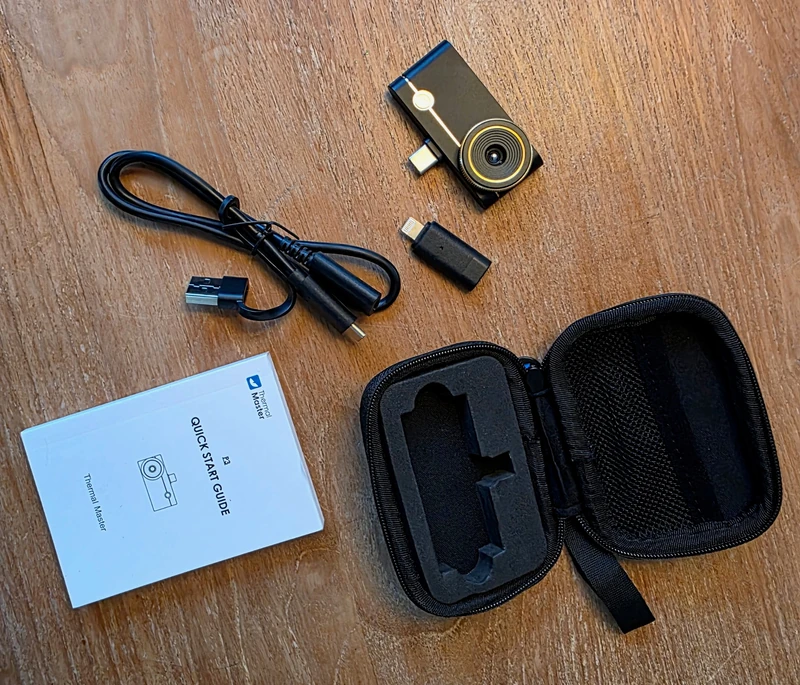
In brief
- After several jobs, the Thermal Master P3 has become the thermal camera I keep in my bag for my electrical diagnostics.
- On my Android phone and my iPhone, I plug it in and Temp Master recognises it immediately; I didn't have to fiddle with the connection.
- The 25 Hz stream is smooth enough that I can sweep across a panel without the image freezing every few seconds, then quickly export the thermal image into my report.
- It's tiny, the case slips into my tool bag and the extended USB-C connector fits with my phone case on.
- Thermography remains a surface temperature indicator: it locates an anomaly, but on its own it doesn't prove the cause of a fault, a leak or a thermal bridge.
After several fault-finding jobs, the Thermal Master P3 has become the thermal camera I keep in my bag. How I use it is simple: I take it out, plug it into my phone, sweep the area, keep the useful capture and drop it into the report.
The most noticeable change compared with a thermal camera that slows every action down is the smoothness. At 25 Hz, I can move from one module to another without the image freezing every few seconds. On site, that matters more than a long list of features.
The image quality also appeals to me a lot: in my diagnostics, the differences are clear-cut and small areas stay easy to tell apart once the focus is set. I find the readings accurate for my use, while keeping the normal limitation of an infrared measurement: emissivity, material and reflections can change the apparent value.
The P3 also won me over on two very down-to-earth details: its small pouch, which takes up almost no room in my tool bag, and its USB-C connector being long enough to work with my phone case. I don’t have to take the phone out of its case for every check.
256 × 192
native VOx sensor of the P3, upscaled to 512 × 384 for display by X³IR technology
25 Hz
advertised frame rate, and above all smooth enough in my use to genuinely sweep an electrical panel
-20 to 600 °C
advertised measurement range, for an accuracy of ±2 °C or ±2 %
8 mm
advertised minimum focus distance for macro work
On site: the real value of the P3
I plug it in, Temp Master recognises it
On my Android and iPhone devices, the connection was immediate: I plug in the P3 and Temp Master recognises it right away. I didn’t have to pair Bluetooth, create a Wi-Fi network, or redo a tedious procedure between two jobs.
The P3 is explicitly listed by Temp Master on Google Play and the App Store. On Android, the publisher notes a special case for Android 10, with a dedicated version available from its download centre. So my connection experience is just feedback on the phones I use, not a promise for every model on the market.
The P3 is a module with no screen and no battery of its own: the phone provides the display, the power, and the app. For me, that’s exactly the appeal of the format. I don’t have a second device to charge or pull out of the van.
25 Hz makes scanning more comfortable
The spec sheet lists 25 Hz, and that matches what I feel in the field. The image keeps up fast enough that I can scan across a panel, come back to a terminal, or compare several modules without breaking the flow.
I don’t work by freezing a random frame every five seconds. I scan first, then capture what deserves to be documented. PCWorld also describes the live feed as smooth. X³IR enhancement can be a little less sharp during a fast scan, which is a reason to keep the final capture on a relatively steady scene.
Images go straight into my reports
It’s probably the feature I use the most. Once the thermal image is taken, exporting to my diagnostic report is quick. Temp Master lets you generate a report on the phone and export the images; personally, I usually just pull up the image that makes the finding clear.
The result works well with clients: a visible temperature difference is often easier to explain than a long paragraph. I still keep things in the right order, though: thermal imaging illustrates the finding, it doesn’t replace the electrical diagnosis that makes it possible to determine the cause.
Here are three more images taken on actual jobs. I deliberately show them with their temperature markers: this is what I retrieve from the app and what I can then include in the report.
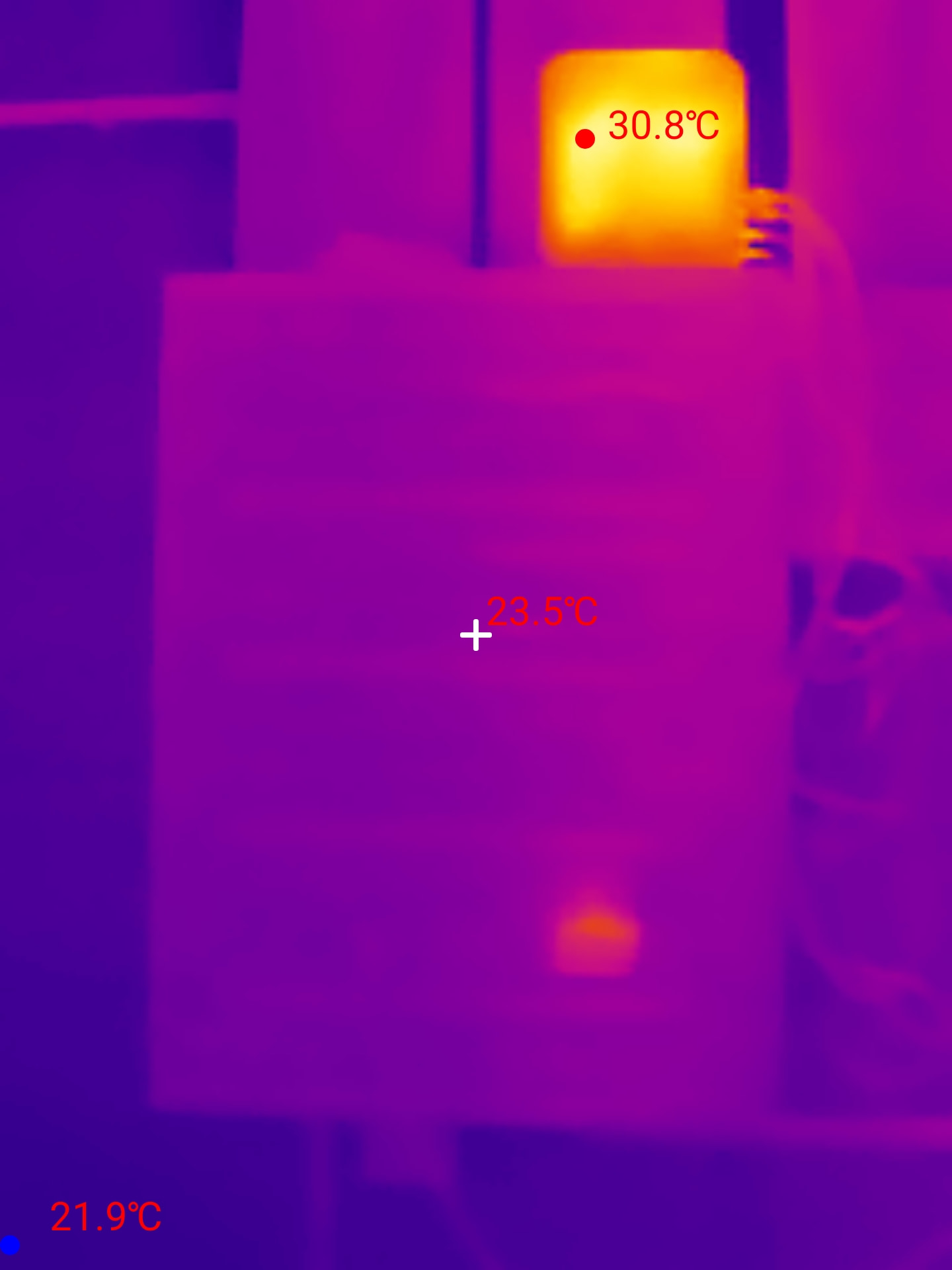
Actual on-site capture: the hottest zone shown reaches 30.8 °C, versus 23.5 °C at the centre and 21.9 °C at minimum. The image locates the difference; it cannot establish the cause.
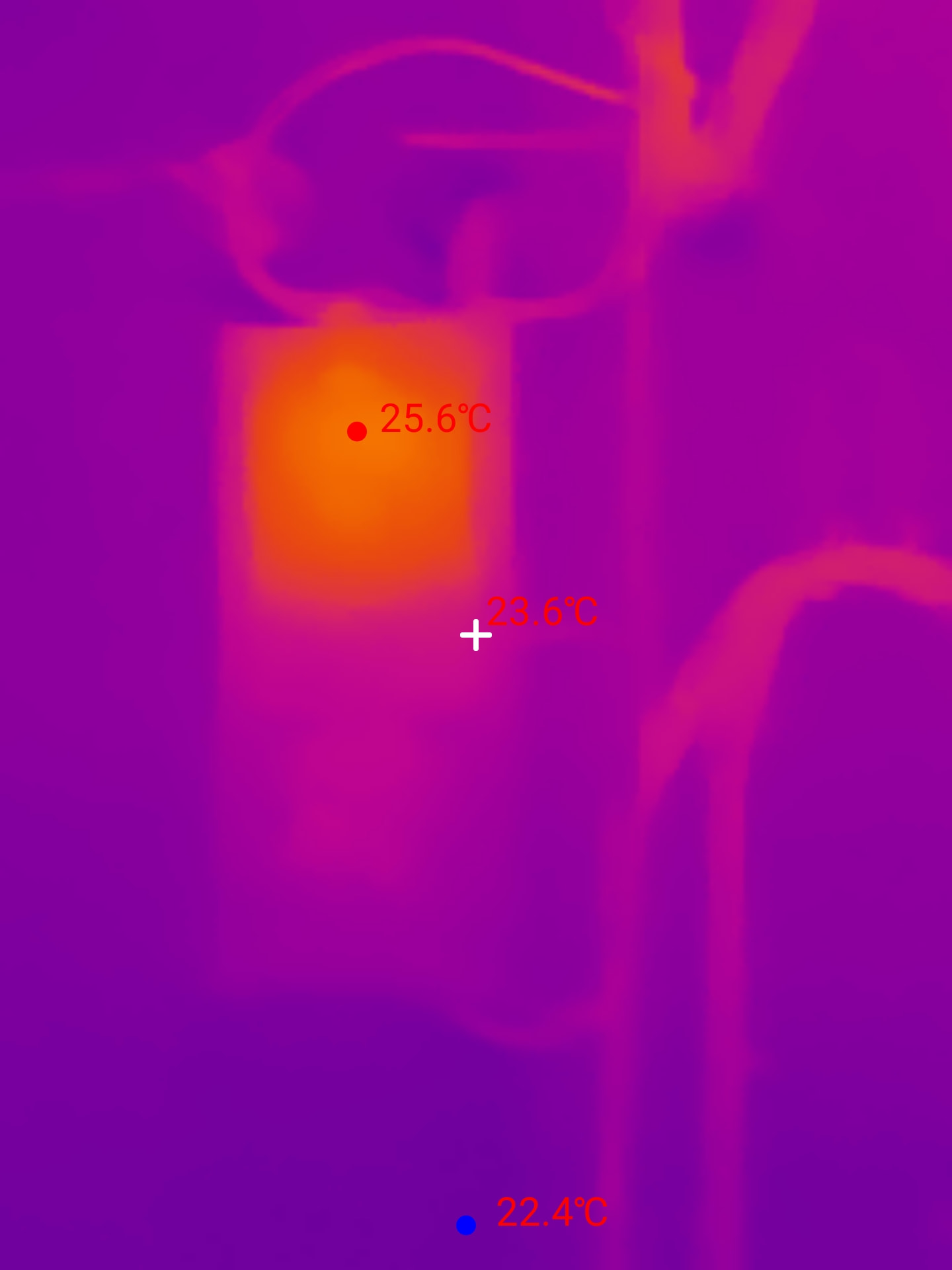
Another capture from a thermal survey: 25.6 °C on the hottest zone shown, 23.6 °C at the centre and 22.4 °C at minimum.
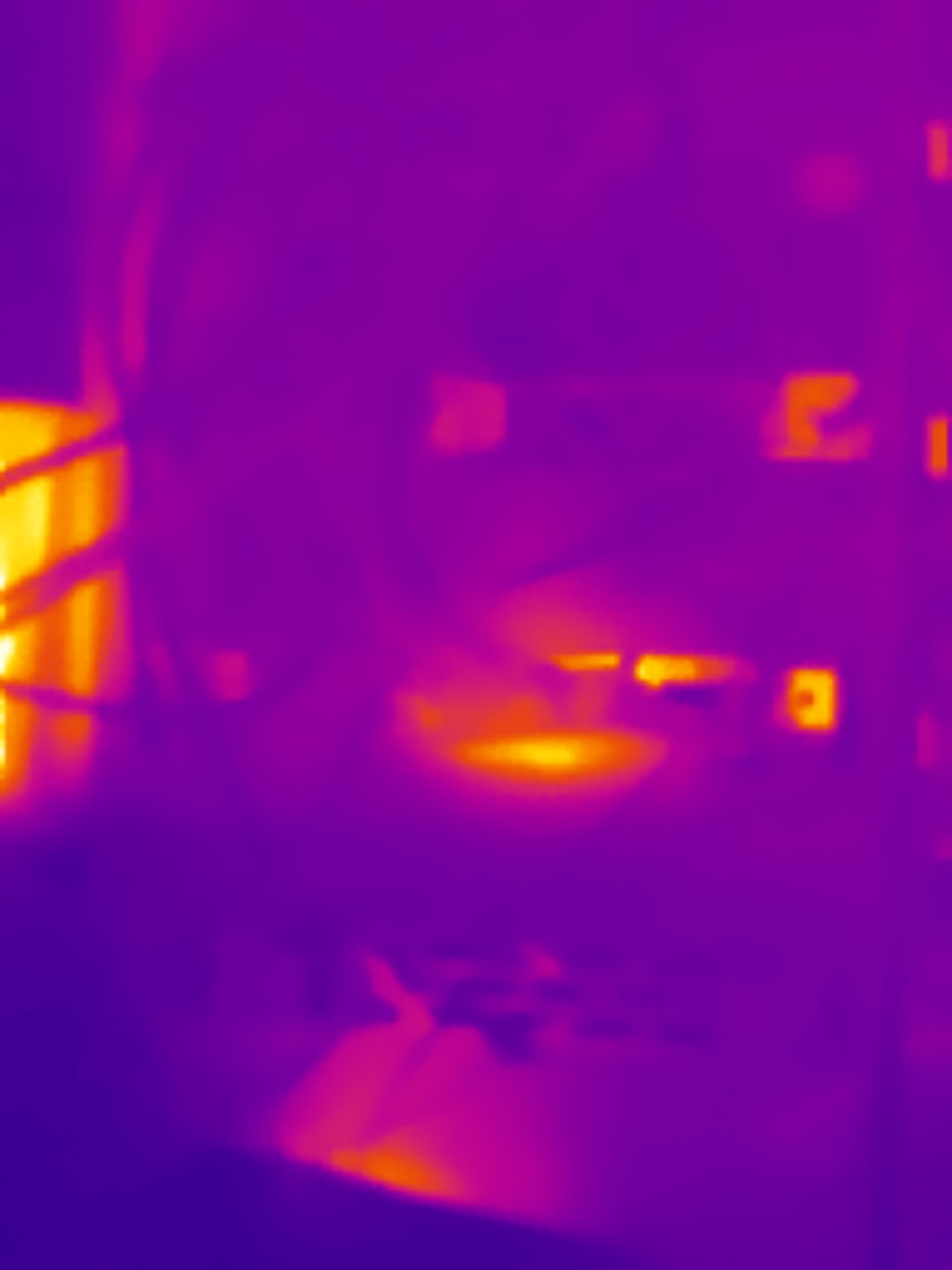
Not every capture becomes technical evidence. This scene clearly shows the thermal contrasts, but without a readable measurement marker or enough context I wouldn’t use it alone to draw a conclusion in a report.
These real-world cases are exactly what I find more interesting than a demo image: you can see what the camera produces when I use it during a fault-finding job, with variations that are sometimes stark and sometimes much more modest.
These images come from my electrical inspections in France. They show what the P3 records, not how a British consumer unit should be wired or inspected.
A genuinely pocket-sized tool
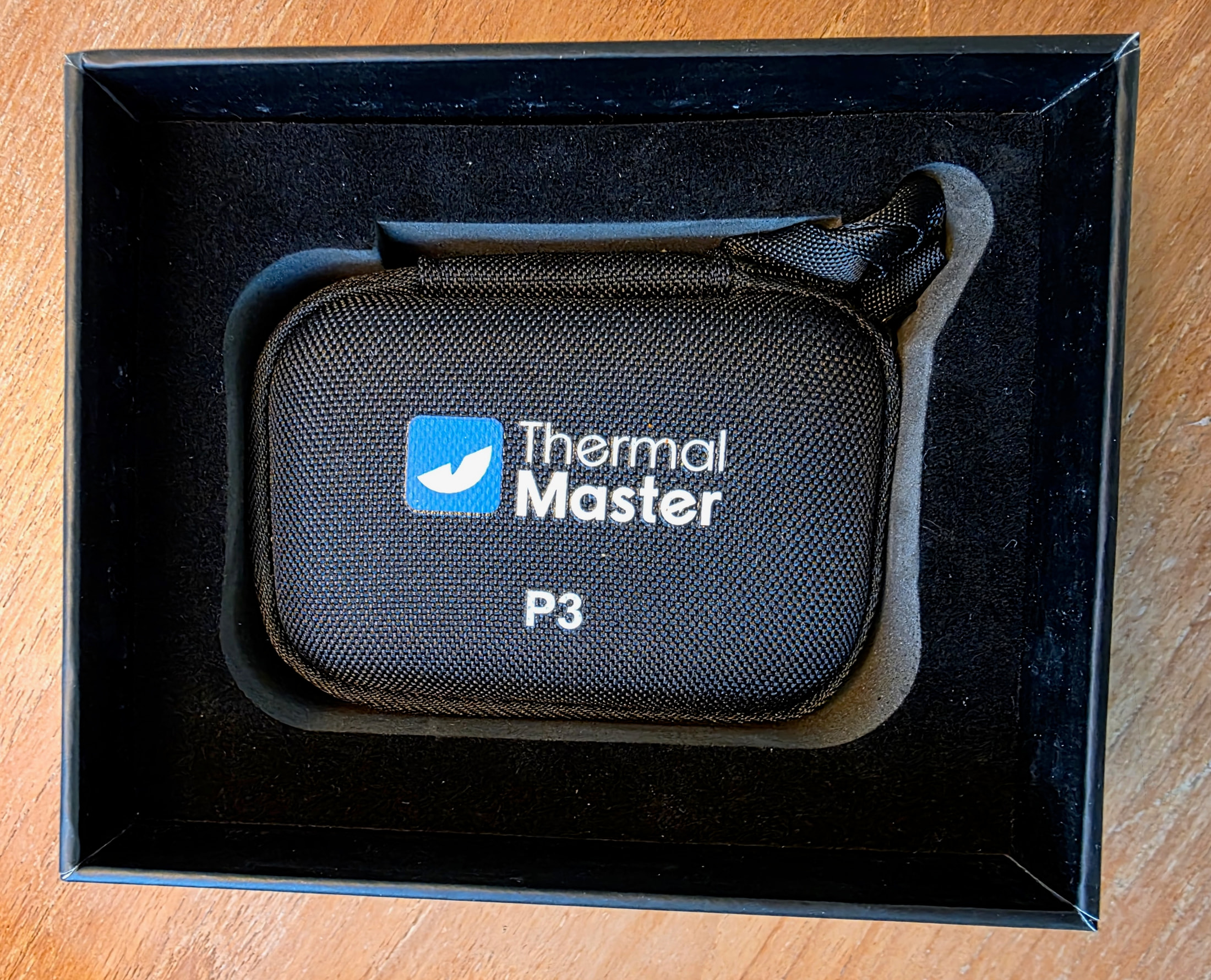
The housing measures 59 × 27 × 17.2 mm and third-party tests put it at around 26 to 27 g. In practice, what I notice most is its dimensions: the camera and its case slip into a pocket in my bag, and I can pull them out in just a few seconds.
The USB-C connector protrudes by 2 mm according to the official spec sheet. On my phone, that extra length is enough to connect with the case on. It is a design detail, but on a tool I plug in several times a week, it removes real friction. A very thick case can still get in the way: the included extension cable serves as a fallback.
The build also feels more reassuring than its size would suggest. The alloy body does not feel like a fragile accessory. On site, with ambient temperatures that sometimes climbed to around 25 °C, I have not noticed any troublesome heating of the module or any unexpected disconnections.
The trade-off of this format remains clear: the phone’s charging port is taken up during measurement, and focus is adjusted manually when the distance changes. For my occasional diagnostic work, this compromise works for me.
The spec sheet, decoded
The official spec sheet fits on a single page. It separates the sensor figures from those of the display, a distinction that matters in practice. Here are the figures that matter, as published by the manufacturer.
| Specification | Thermal Master P3 |
|---|---|
| Specification Sensor | Thermal Master P3 VOx 256 × 192, 12 µm pitch |
| Specification Displayed image | Thermal Master P3 512 × 384, X³IR technology |
| Specification Measurement range | Thermal Master P3 -20 to 600 °C |
| Specification Accuracy | Thermal Master P3 ±2 °C or ±2% of reading |
| Specification Sensitivity | Thermal Master P3 NETD below 35 mK at 25 °C |
| Specification Frame rate | Thermal Master P3 25 Hz |
| Specification Optics | Thermal Master P3 4.3 mm focal length, manual focus from 8 mm |
| Specification Field of view | Thermal Master P3 40° × 30.2° |
| Specification Zoom | Thermal Master P3 15× digital |
| Specification Measurements | Thermal Master P3 point, line and area, alarms, isotherm, 12 palettes |
| Specification App | Thermal Master P3 Temp Master, on phone and PC |
| Specification Stated hardware compatibility | Thermal Master P3 iPhone 8 to 16, Android 7.0 and above, iPad, PC via USB-C |
| Specification Power | Thermal Master P3 0.32 W from the phone port |
| Specification Dimensions | Thermal Master P3 59 × 27 × 17.2 mm, alloy body |
Specifications as stated on the official P3 spec sheet, recorded on 12 September 2026.
Resolution: 256 × 192 measured, 512 × 384 displayed
The manufacturer presents the 512 × 384 resolution as a super resolution built on a native sensor of 256 × 192, with X³IR technology and AI-based amplification. Doubling both image dimensions gives four times as many displayed pixels, without increasing the sensor’s native resolution.
In other words, the number of measured points remains that of the sensor, around 49,000, and the enhancement improves the readability of the image. To spot an area that is heating up, that is enough; to tell two adjacent components apart, the focus matters more than the display.
For temperature measurement, the spec sheet states ±2 °C or ±2% of reading, without detailing on this page how that accuracy is distributed across the full range. PCWorld states that the P3 separates a standard range from a high-temperature setting. So I do not treat the ±2 °C or ±2% as a uniform guarantee from -20 to 600 °C. The smoothed image is easier to read; it does not create detail.
PCWorld describes X³IR as a software enhancement: the interpolation improves the presentation, not the number of points actually measured. That is the distinction I keep between a more readable image and a finer thermal resolution.
The same review notes a slight lag and softer edges when the camera sweeps quickly across a scene with X³IR. The enhancement therefore delivers better results in a relatively static shot than during continuous movement of the phone.
PCWorld lists the recorded images at 1,440 × 1,880 px. That file size makes reporting and zooming in afterwards easier, but it still does not turn the VOx 256 × 192 sensor into a 1,440 × 1,880 sensor.
Macro focus: down to 8 mm
The lens has a 4.3 mm focal length, and the web spec sheet gives a minimum manual focusing distance of 8 mm. That is what puts the P3 in the PCB inspection category: you bring the lens to less than a centimetre from a component, then adjust focus by hand.
A fixed-focus module, by contrast, sets its plane of focus once and for all, often at a few centimetres or at infinity depending on the model. Manual focus gives you control, but it has to be redone at every working distance.
The minimum distance of 8 mm has a practical consequence: the target must be stable during adjustment. On a workbench, with the board laid flat, the reading focuses on the differences between components that should be at the same temperature.
The published maximum range is not consistent across the brand’s sources: the web listing states 8 mm to 30 m, while the photographed box and the PCWorld review report 8 mm to 80 m. So I am not treating either of these two figures as an absolute limit.
PCWorld adds that beyond roughly 20 m, the loss of detail becomes visible and manual focus no longer compensates for the native resolution. When choosing the P3, the 8 mm macro is therefore far more decisive than the long-distance figure.
Thermal imaging complements the other measurements needed for bench diagnostics.
Measurements and application: what gets configured in Temp Master
The listing advertises spot, line and area measurements, with alarms, isotherm, 12 palettes and free analysis reports. These are the tools that turn a thermal image into usable data.
In its review, PCWorld also details the emissivity, distance and ambient temperature settings. These parameters matter before quantifying a surface: a readable image does not guarantee that a value was set for the material being observed.
PiP mode overlays the thermal image and the visible image with adjustable transparency. For a report, the benefit is simple: keeping the component or terminal identifiable while showing the thermal zone that prompted the inspection.
PCWorld also notes video recording at 25 frames per second with audio. The PDF report is generated on the phone with name, author, date, measurement conditions, min/max/centre values and watermark; images are grouped by date.
New Atlas says the app is free and does not require an account. The spec sheet adds IQ+, presented as ambient-temperature drift compensation, and RazorX, an image-processing feature.
Hot spot: what to expect from the P3
In an installation, a hot spot is found by comparing parts that should be at the same temperature: rows of modules, terminal connections, feeders on the same circuit. The thermal image shows the difference; the diagnosis then builds on the load and the state of the connections.
Three figures from the spec sheet serve this purpose: 25 Hz for smooth scanning without judder, NETD below 35 mK to distinguish small differences, and a stated range of -20 to 600 °C that leaves plenty of margin for measurement. This range is not a diagnostic threshold: no temperature reading on its own is enough to declare a fault.
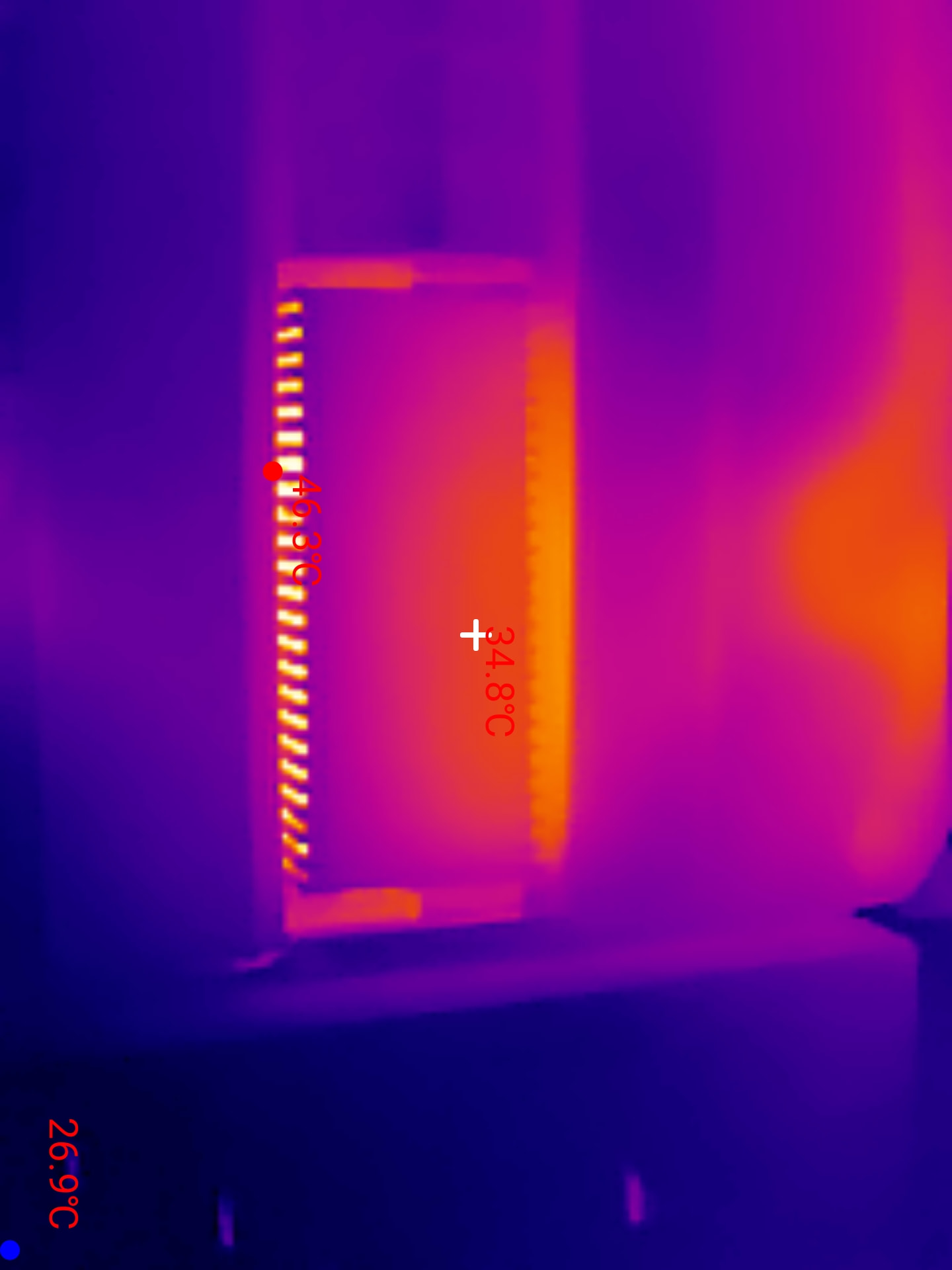
Thermal image from an electrical inspection: the row of connections shows a visible difference, with 46.3 °C at the displayed maximum, 34.8 °C at the centre and 26.9 °C at the minimum. These values guide the check without being enough on their own to declare a fault.
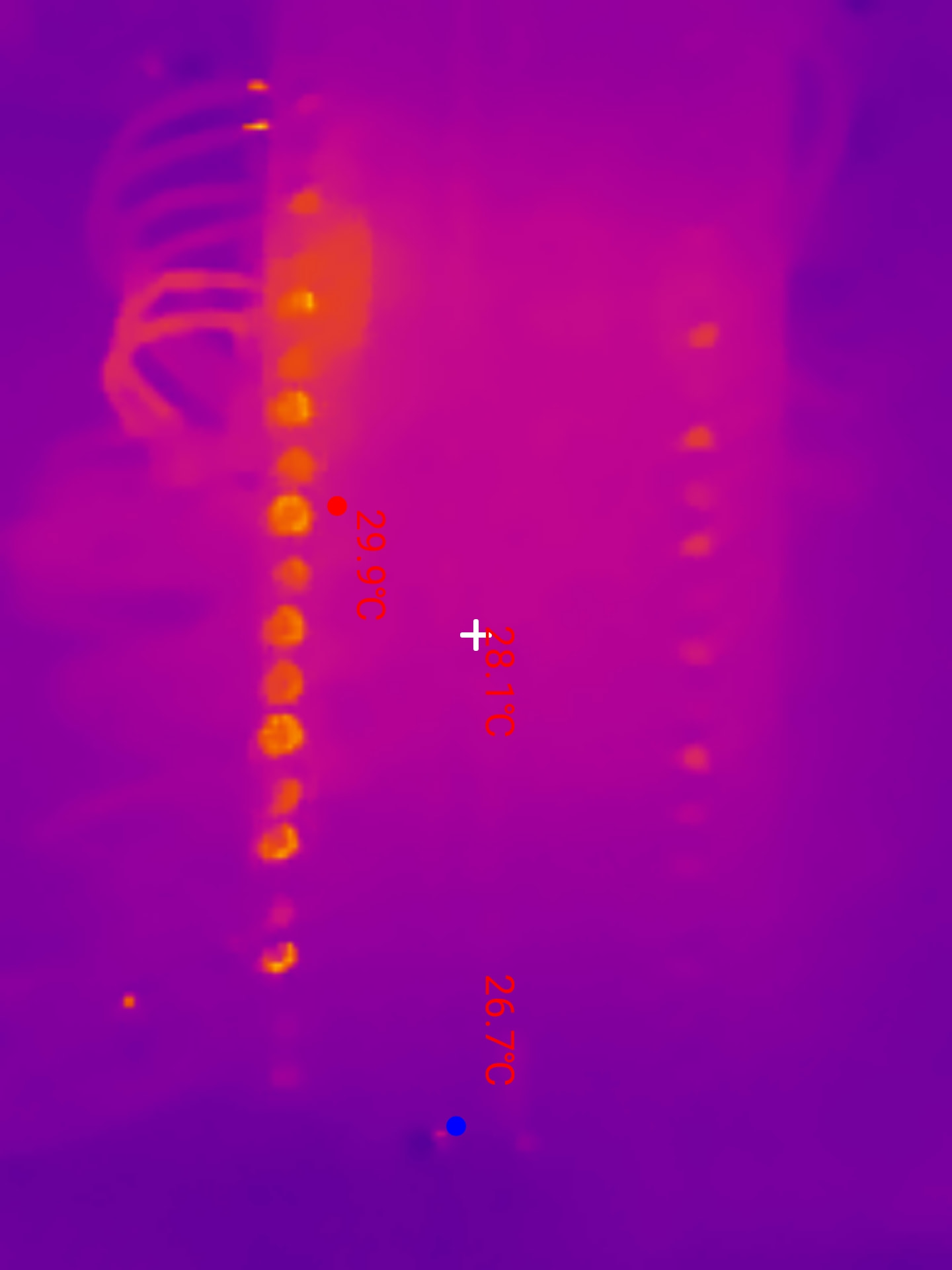
Close-up of another row: 29.9 °C at the displayed maximum, 28.1 °C at the centre and 26.7 °C at the minimum. Comparing nearby points is more useful than colour alone.
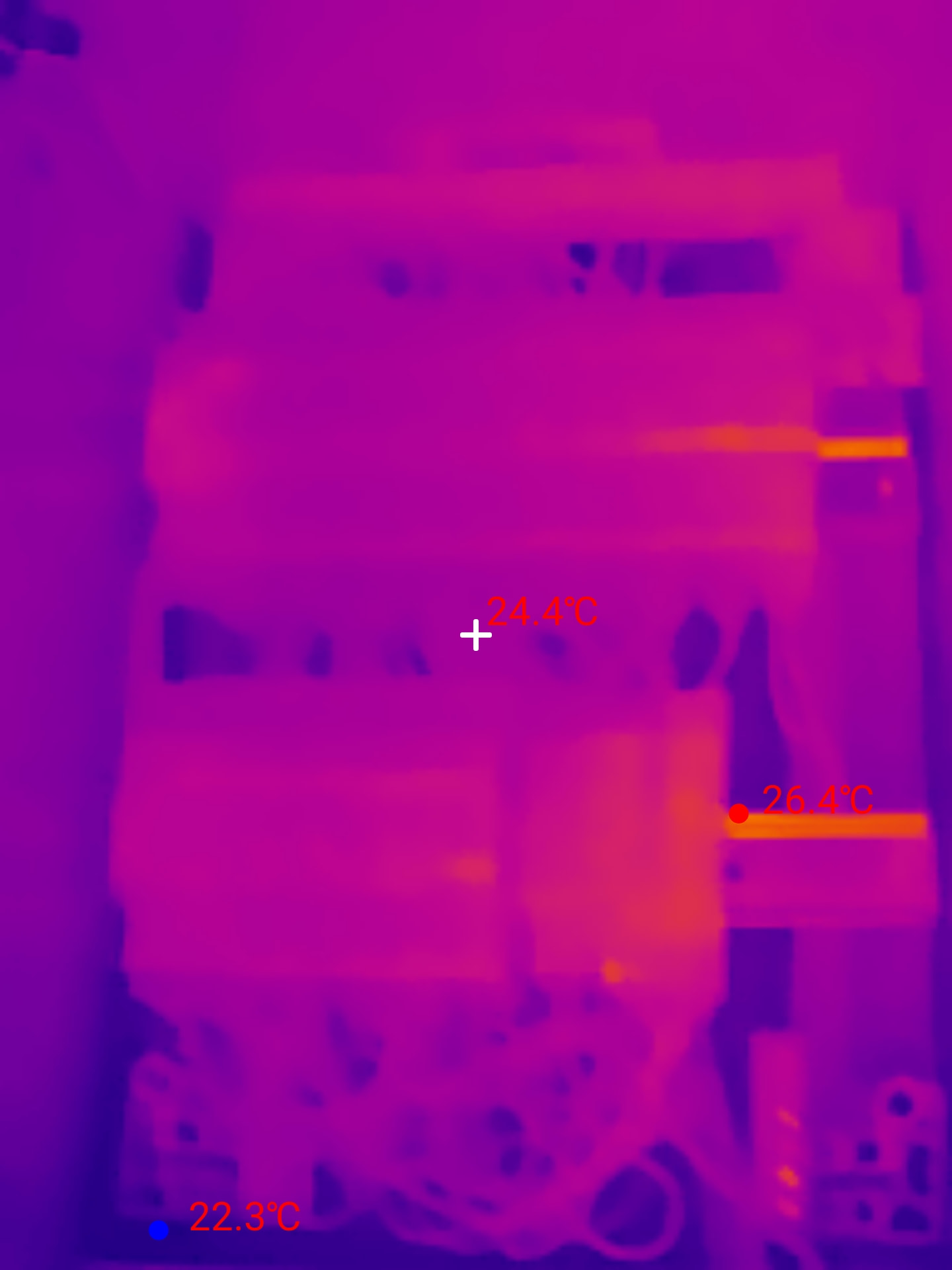
Overview of a distribution board during an inspection: 26.4 °C at the displayed maximum, 24.4 °C at the centre and 22.3 °C at the minimum.
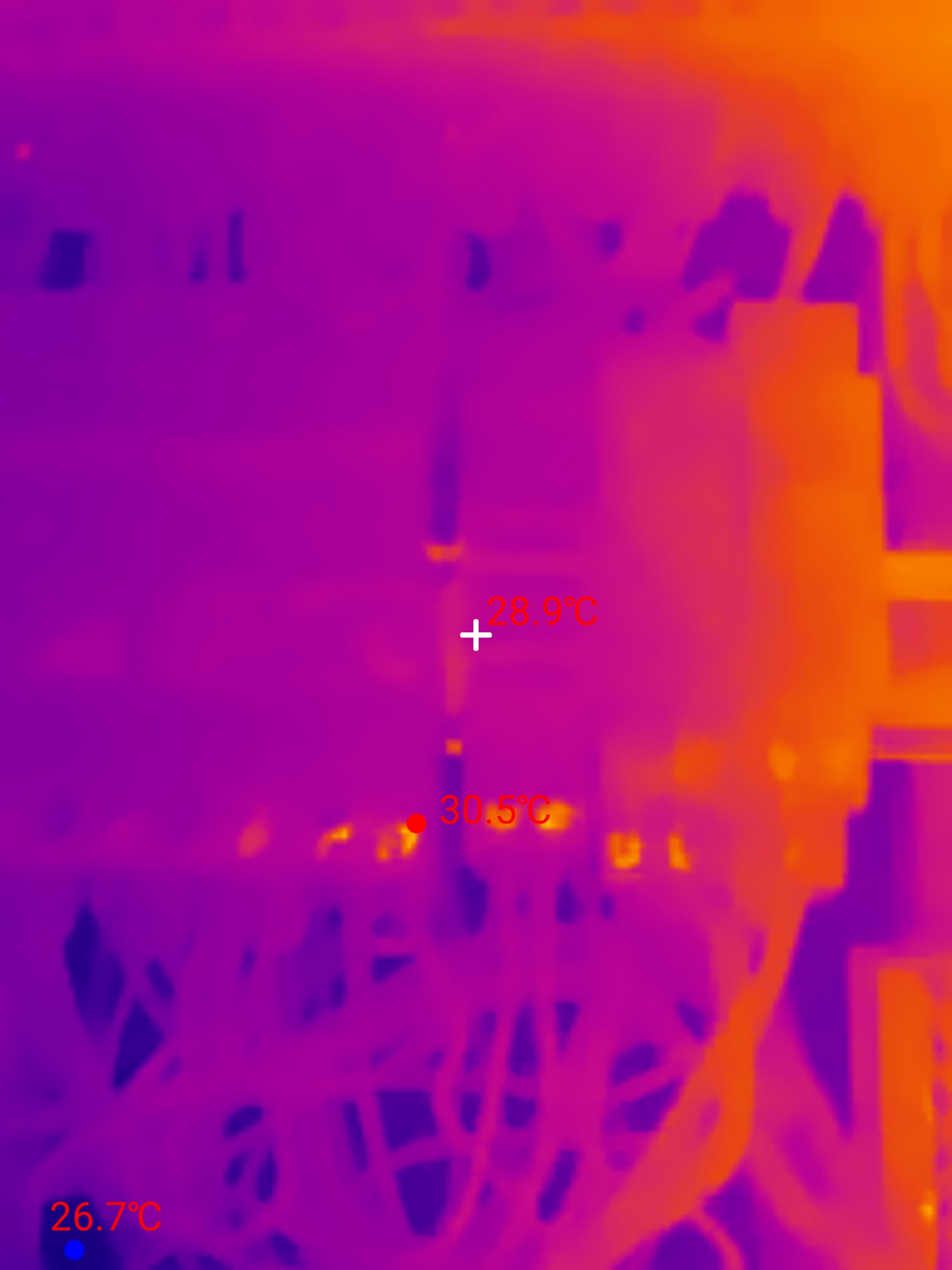
Another open distribution board: I keep this type of view in the report to show the inspected area with the temperatures displayed at the time of the reading.
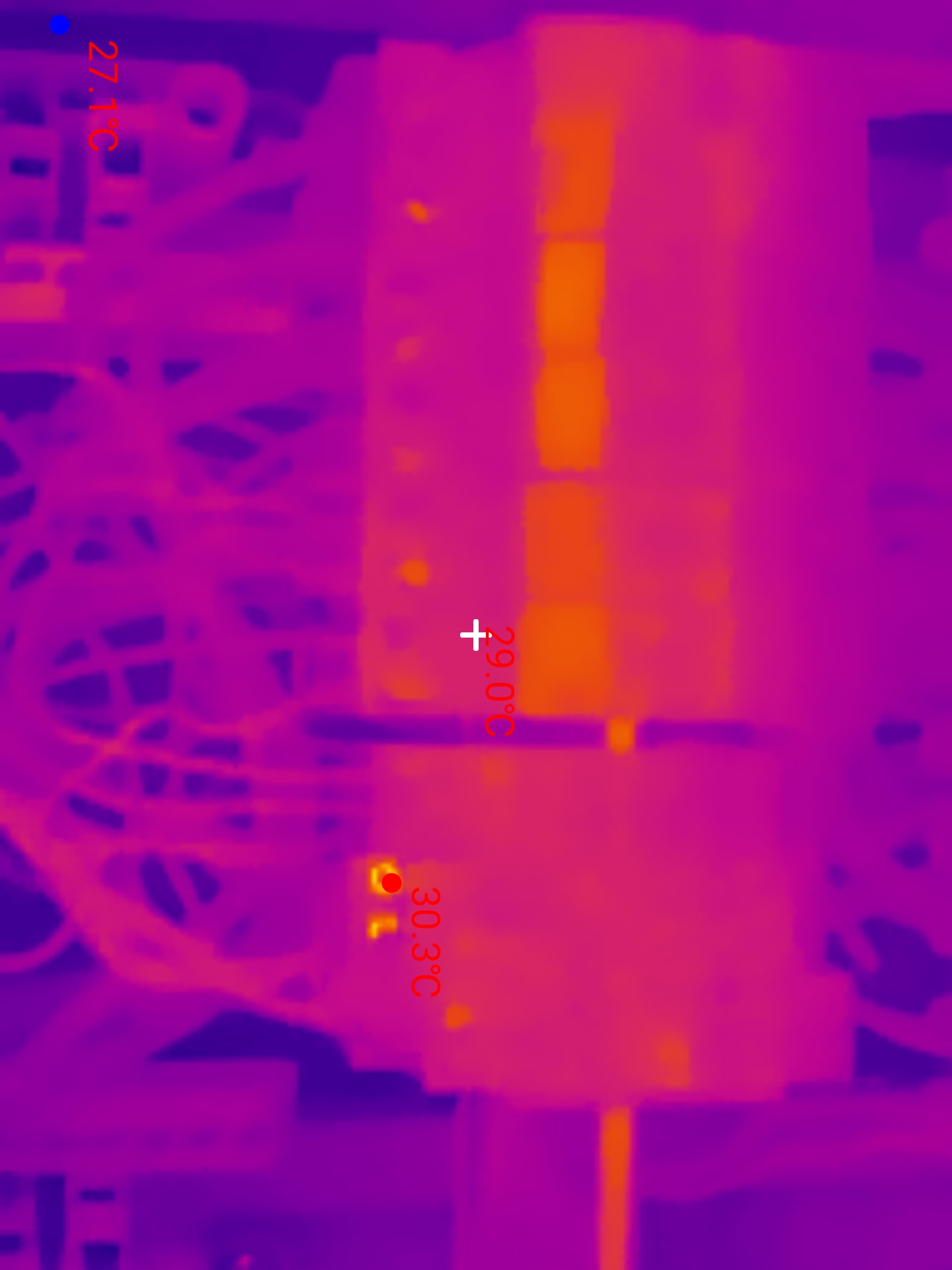
The 25 Hz refresh rate lets me sweep across the modules without interrupting the sweep, then freeze the useful frame. Here, the markers show 30.3 °C at the maximum, 29 °C at the centre and 27.1 °C at the minimum.
Two constraints temper its use on panels. The 40° × 30.2° field of view forces you to step back or split up a large panel, and you have to refocus at each distance. The 15× digital zoom enlarges the image; it does not add measurement points.
A second pitfall comes from the material being observed. In its test, PCWorld recorded differences of less than 1.5 °C compared with a contact thermometer on matte surfaces, but markedly distorted readings on bare metal because of reflections.
That is exactly why Temp Master exposes the emissivity setting. Fluke Process Instruments, for its part, points out that emissivity depends on the material, its condition and the measurement conditions, and recommends limiting reflections from surrounding thermal sources. So on a shiny terminal or a metal part, I never draw conclusions from colour alone.
This limitation is useful in an electrical panel: the camera is used to spot a temperature difference, then the diagnosis is cross-checked against the load, the tightness of the terminations, the circuit context and the electrical measurements. Technical sources frame the measurement; they do not replace my on-site checks.
Attention
The rest of the check remains electrical. Thermal imaging guides the investigation, multimeter measurements help establish the cause, and safe isolation, including proving dead, comes before any work on the conductors.
Heating at an outgoing circuit terminal is checked against the circuit load. A phase imbalance needs separate checks at the distribution board.
For the inside of a conduit or a cabinet that’s hard to reach, the borescope camera takes over.
Connector, case and power supply: the details that matter
The kit includes the camera, the case, a Type-C to Lightning adapter, a 50 cm extension cable and the manual. It’s the kind of accessory you keep in your bag rather than in its box.
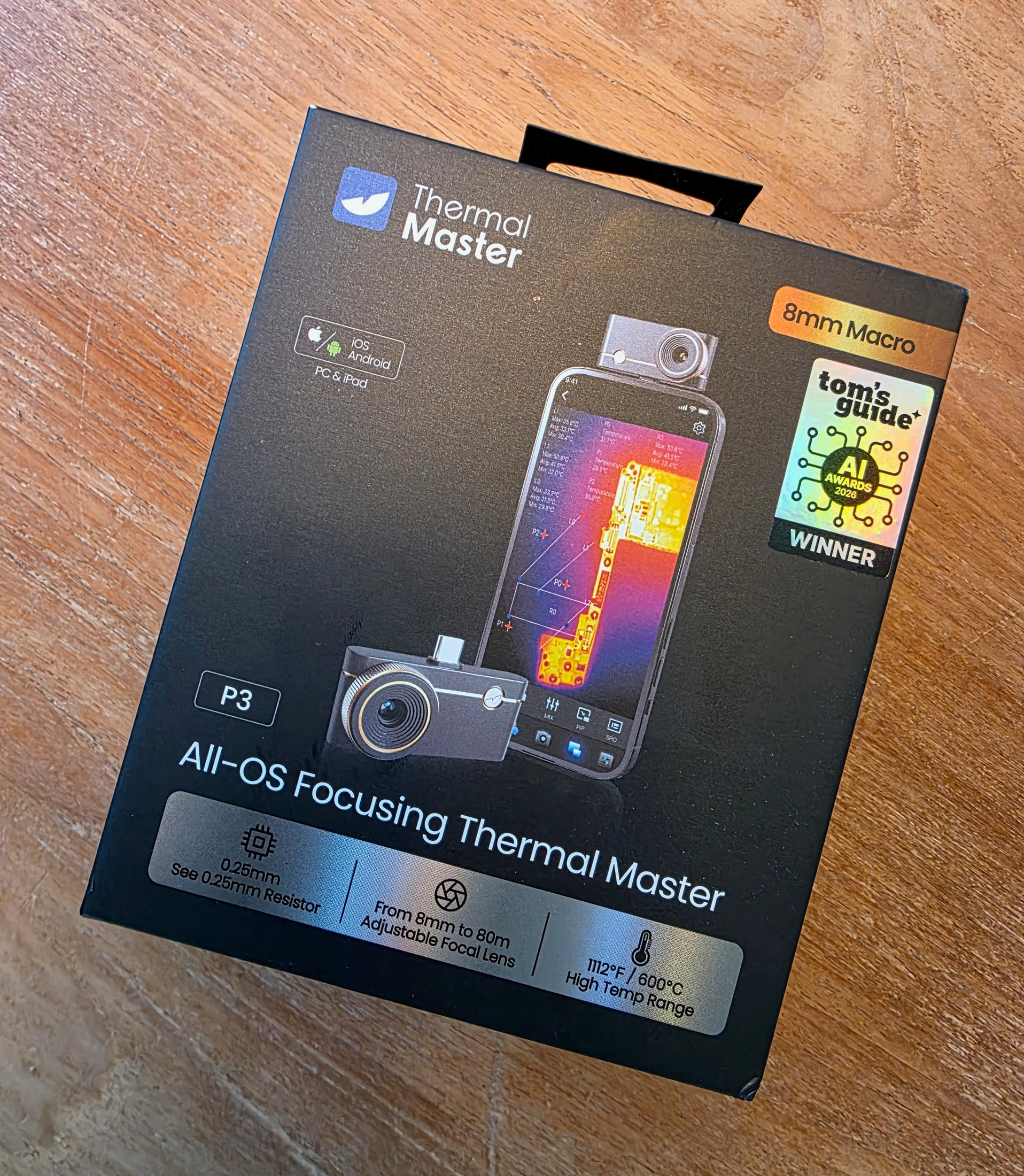
The P3 box I received for review.
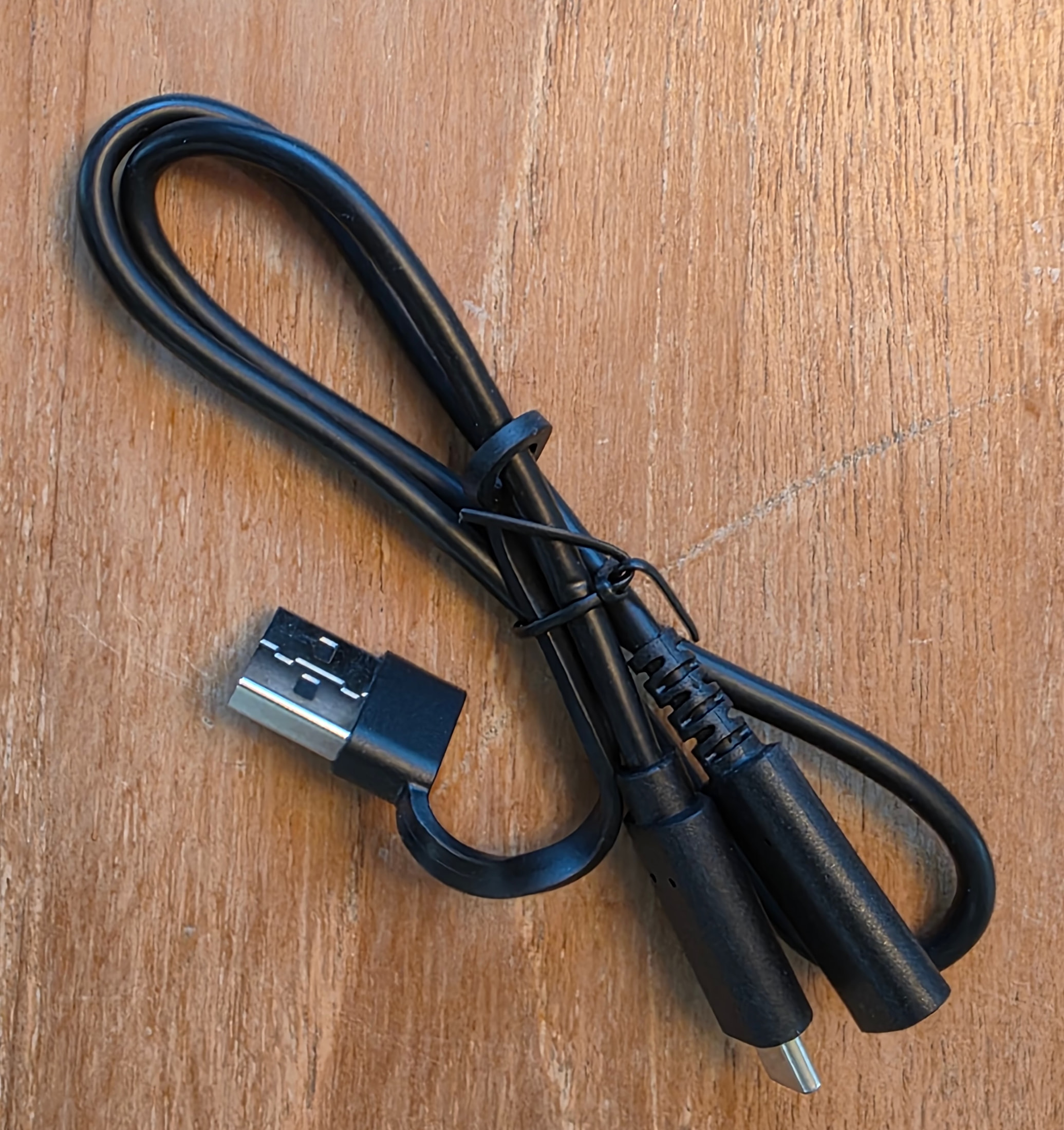
The supplied extension cable stays in the case: it comes in handy if a phone case gets in the way, or if I want to avoid the module bearing directly on the phone's port.
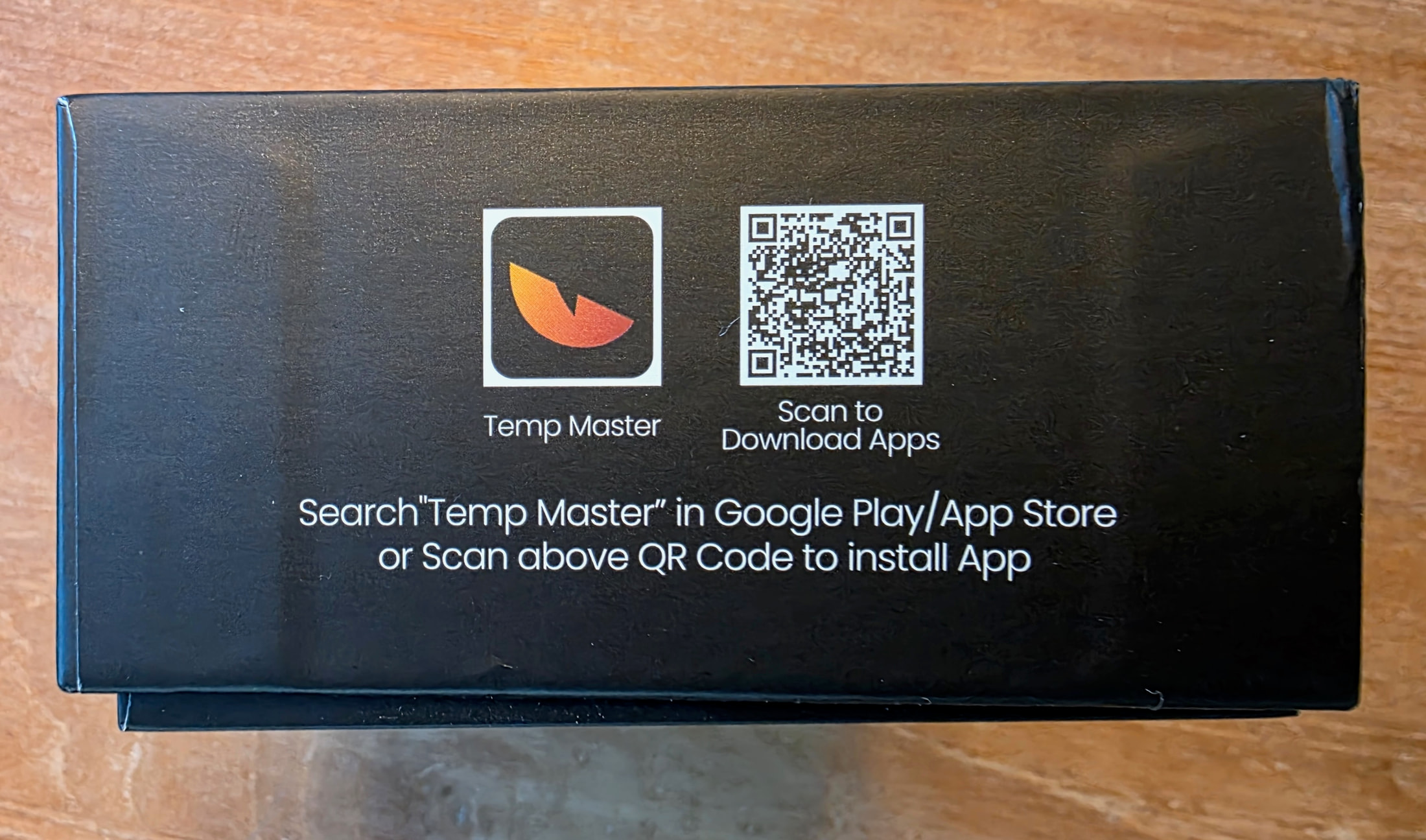
The Temp Master QR code is printed directly on the box.
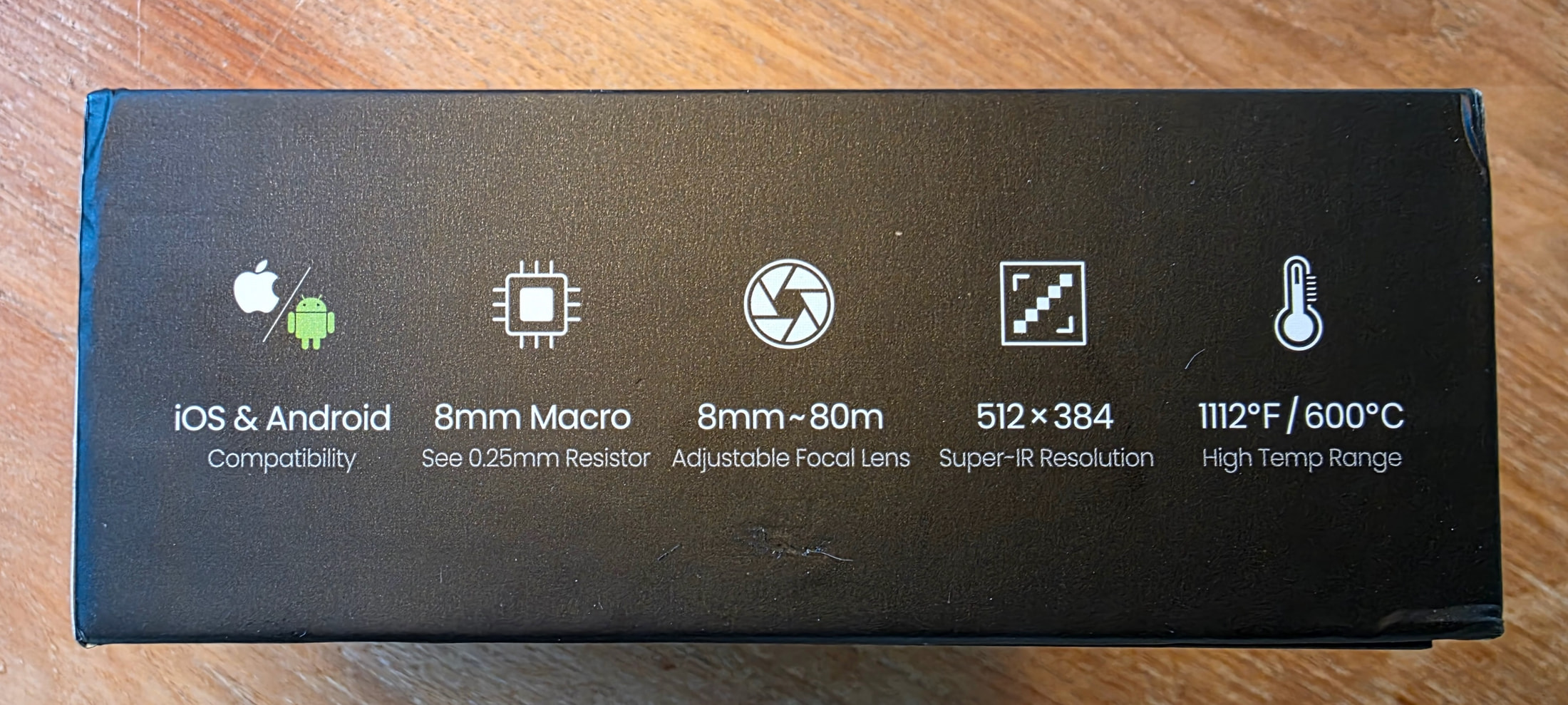
The box shows 512 × 384; the specifications make clear that this is an enhanced image from a native 256 × 192 sensor.
The kit is therefore documented here with my own photos, not just with the manufacturer’s spec sheet. The next close-up shows the detail that matters most to me in everyday use: the length of the connector.
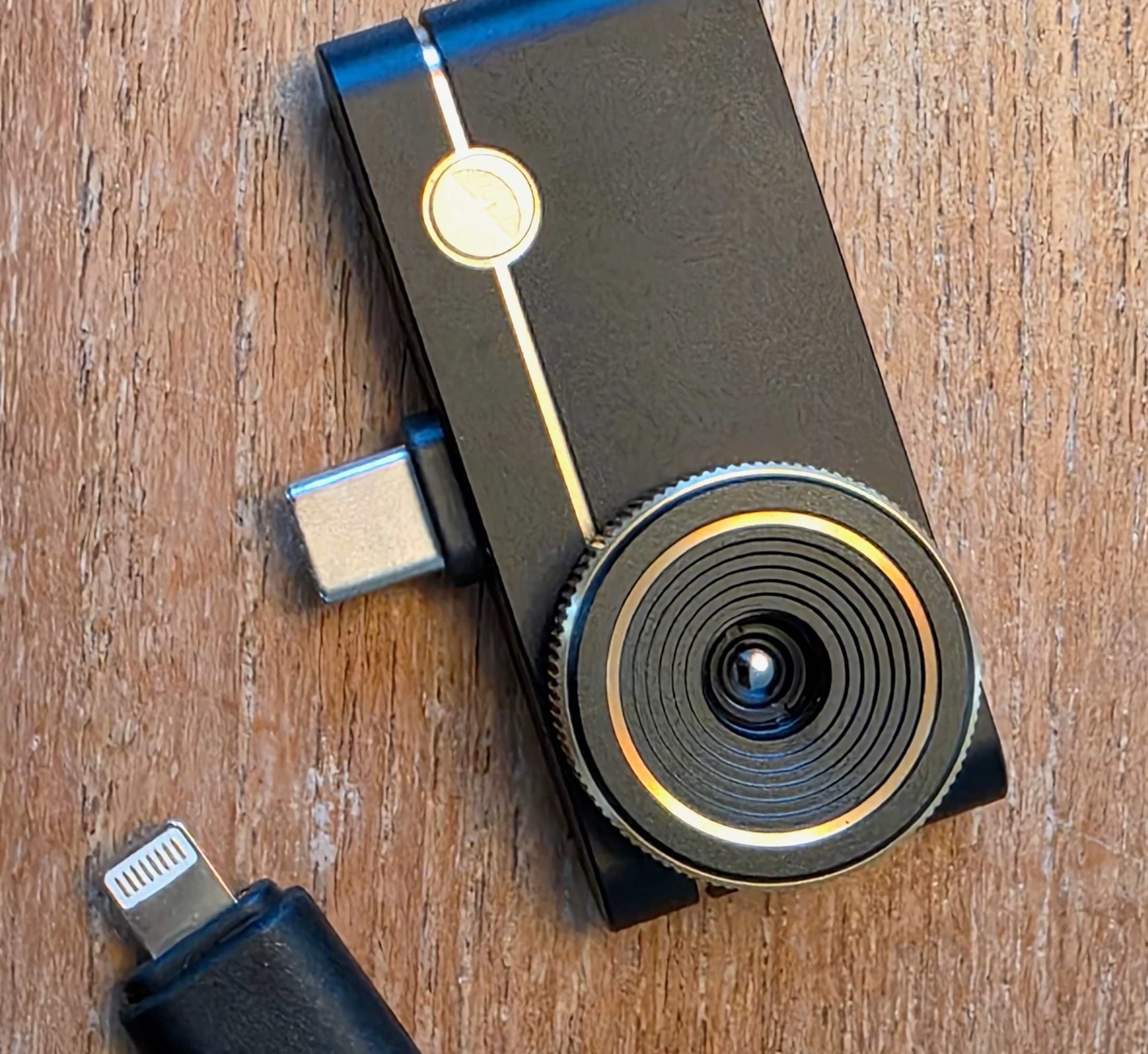
The official spec sheet states that the connector is extended by 2 mm and compatible with most cases. Even so, I keep the extension cable in the pouch: a thicker case can prevent the connector from seating fully, and the cable also keeps the module’s weight from resting directly on the port when the phone is held in an awkward position.
The stated power consumption is 0.32 W. The P3 has no battery of its own and uses the phone’s port during a measurement. So for a long session, I start out with the phone charged.
There is no tripod thread on the module. That is not a problem for my handheld use, but it is a limitation to know about for a series of fixed measurements. The warranty stated by Thermal Master is 2 years.
Plumbing, leaks and insulation: useful for spotting, not for drawing conclusions
I am an electrician, but the P3’s usefulness does not stop at the consumer unit. In plumbing or construction work, a thermal camera can save time when it comes to spotting an area whose surface temperature stands out: tracing a pipe run, a cold spot consistent with moisture, a gap in the insulation or a potential thermal bridge.
The important word is spotting. An infrared camera does not see water behind a wall and does not directly measure insulation quality. Acoris points out that a damp area can appear colder than a dry area and that a thermal anomaly sometimes needs additional checks to identify its origin.
For insulation, the conditions under which the images are taken make a huge difference to the result. Acoris recommends an indoor-to-outdoor temperature difference of at least 10 °C for a basic inspection and more for a detailed analysis, while avoiding direct sunlight and wind, which can create or mask contrasts. These are conditions for reading the images, not a standard I apply as a compliance threshold.
- Plumbing: look for a consistent thermal trace or an abnormally cold or hot surface area to guide the investigation.
- Insulation: look for a thermal discontinuity or an area consistent with a potential thermal bridge when the measurement conditions are favourable.
- Report: keep the image with the temperatures displayed to show the client the area that prompted the additional checks.
- Water leak: thermography does not prove that water is present; a moisture meter, a check of the pipework or opening up may be needed.
- Thermal bridge: a surface contrast is not enough to establish its cause or how significant it is.
- Reflective surfaces: thermal reflections can skew the apparent temperature; emissivity and the material being observed matter.
I covered these conditions and the common misreadings in detail in my guide on thermal bridges, moisture and thermal imaging.
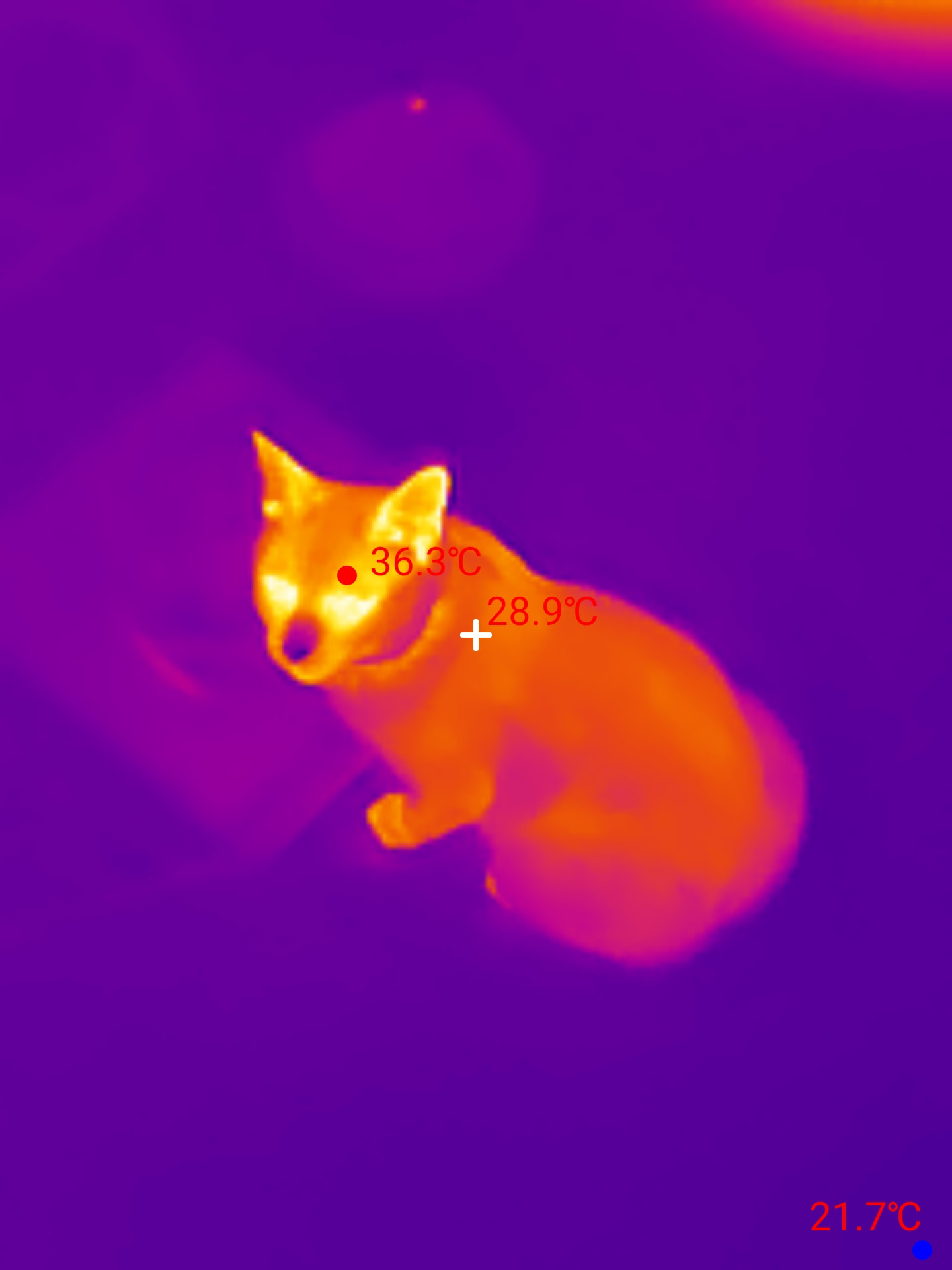
And then there are the scenes that serve no diagnostic purpose.
Who the P3 is for
After testing it, I mainly see it as a quick diagnostic tool to keep on you. It comes into its own when the camera has to be available right away, not when it stays at the bottom of a case because it is too bulky to pull out.
- Electrical diagnostics: the 25 Hz refresh rate lets you scan a panel and quickly save the images you need for the report.
- Close-up inspection: manual focus down to 8 mm to examine a small area or a component.
- Customer reports: Temp Master lets you keep the displayed temperatures and export the images from your phone.
- Mobile use: the small case, the lack of a separate battery and the extended connector make the P3 easy to keep in a tradesperson’s bag.
- Large areas: the 40° × 30.2° field of view needs more distance or more shots than a camera built for a whole building.
- Focus: it is manual and has to be reset whenever the distance changes.
- Phone tied up: the P3 occupies the phone's port during the measurement and depends on the phone's battery.
- Surface temperature: on shiny metal, moisture or insulation, the image must be interpreted together with the material and the measurement conditions.
What to check before ordering
I’d check four things before buying:
- The phone you use: Temp Master lists the P3 on Android and iOS. The Google Play listing notes a special case for Android 10, though, with a dedicated version on the Thermal Master download centre.
- The case: the connector is extended by 2 mm and works with mine, but a very thick case may still need the extension cable.
- The type of inspection: the P3 is at its best on targeted diagnostics, panels, and close-ups; a systematic survey of an entire building mainly means checking whether its field of view and format match the intended protocol.
- Power: the phone powers the camera and its port stays occupied while in use.
I keep the P3 in my bag and get the most out of it. On my Android and iPhone, the connection is immediate, the feed is fast enough to work without breaking my flow, and the export slots easily into my reports. The small pouch and the connector that works with my case look minor on a spec sheet; on site, those are exactly the details that make me actually pull the tool out. Thermal images land well with customers, as long as you are clear about their role: they show a surface temperature difference, and the diagnosis then explains what it means.
Does the Thermal Master P3 work on Android and iPhone?
Yes, on the platforms it supports: Temp Master explicitly lists the P3 on Google Play and on the App Store. On the Android and iPhone devices I use, detection was immediate. The Google Play listing notes a special case for Android 10, with a dedicated version available from the Thermal Master download centre.
What is the P3's real resolution — 256 × 192 or 512 × 384?
The native sensor is a VOx 256 × 192, or about 49,000 pixels. The 512 × 384 image is a display enhancement produced by X³IR technology. The display may be easier to read, but it doesn't turn the sensor into a native 512 × 384.
Is the P3's 25 Hz really useful on site?
In my experience, yes. I can sweep a panel without having to freeze the image every few seconds, then save only the useful view. Thermal Master advertises 25 Hz, and the Temp Master listing also mentions that refresh rate.
Is it easy to export thermal images into a report?
Yes. Temp Master lets you save the images and generate a report from the phone. It's one of the features I use most: I quickly pull the capture into my diagnostic reports, with the temperatures visible to explain the area being checked.
Can the P3 find a water leak or a thermal bridge?
It can spot a surface temperature contrast consistent with a damp area, a pipe or cable run, or an insulation gap, but it can't prove the cause on its own. Measurement conditions, emissivity, sun, and wind can change the image; a follow-up measurement is still needed to draw a conclusion.
Disclosure Thermal Master : P3 thermal camera.
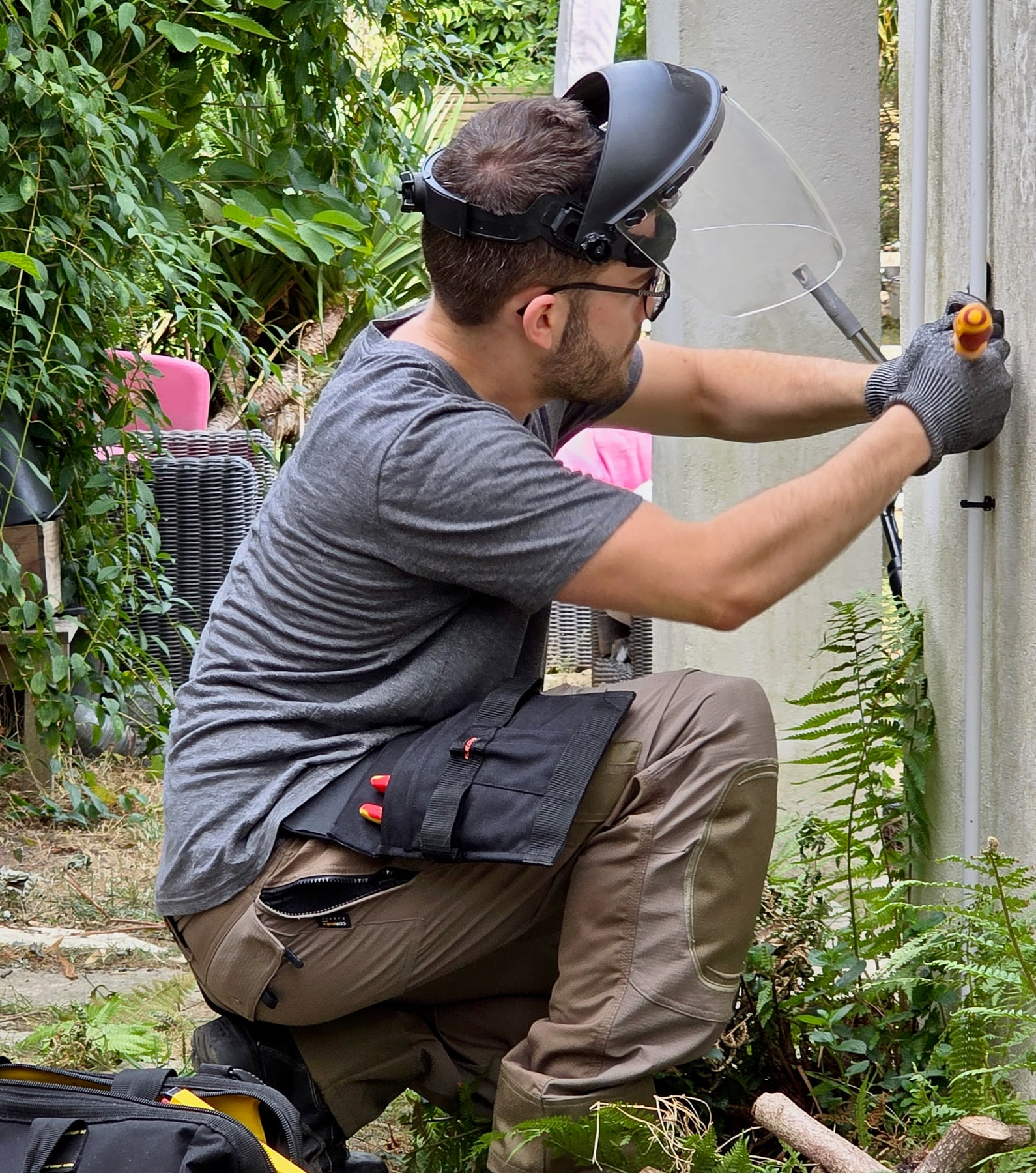
Théo Desrousseaux
Electrician and editor
I work in the field and edit this magazine. Every guide is reviewed for its target country before publication.
Author → Credentials → Editorial method → Report a factual correction →
No email app? Copy the correction details
Email address and prefilled context:
theo@sparx-elec.fr
Article: https://www.sparx-elec.com/gb/thermal-master-p3-review/
Edition: GB — English
Factual issue: [describe the factual issue]
Passage: [quote or identify the passage]
Source: [optional source URL]
Sources and references
- 1. Thermal Master — P3 product page
- 2. Google Play — Temp Master app
- 3. Apple App Store — Temp Master app
- 4. PCWorld — Thermal Master P3 review
- 5. Thermal Master — download centre
- 6. New Atlas — Thermal Master P3 review
- 7. Acoris — conditions for reliable building thermography
- 8. Fluke Process Instruments — emissivity of metals